 China printing machine manufacturer
Today,let’s make a summary comparation about pad printing,screen printing with digital printing technology.
Pad/Screen Printing VS Digital Printing
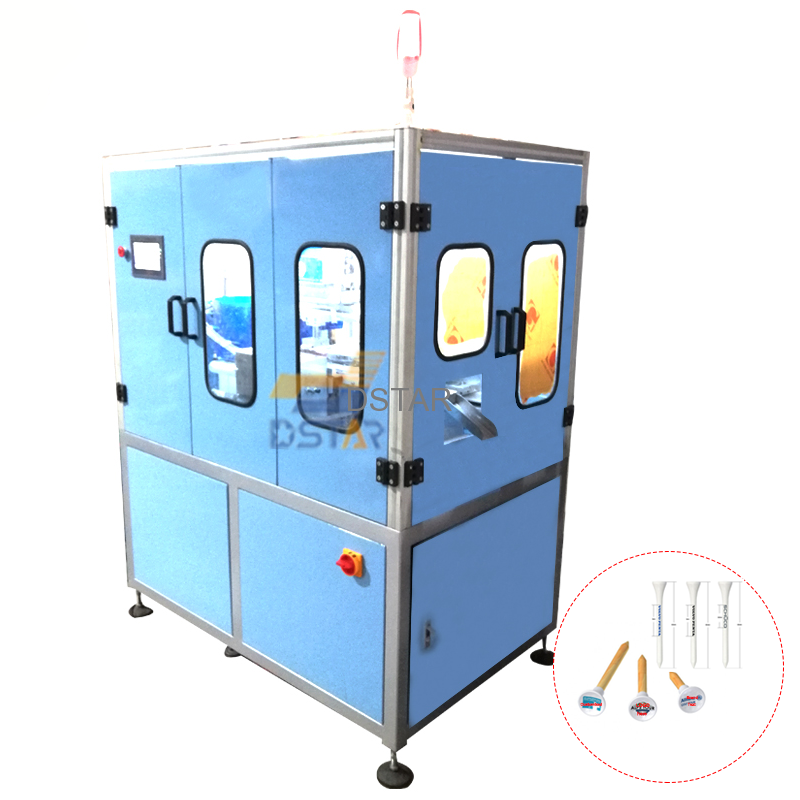
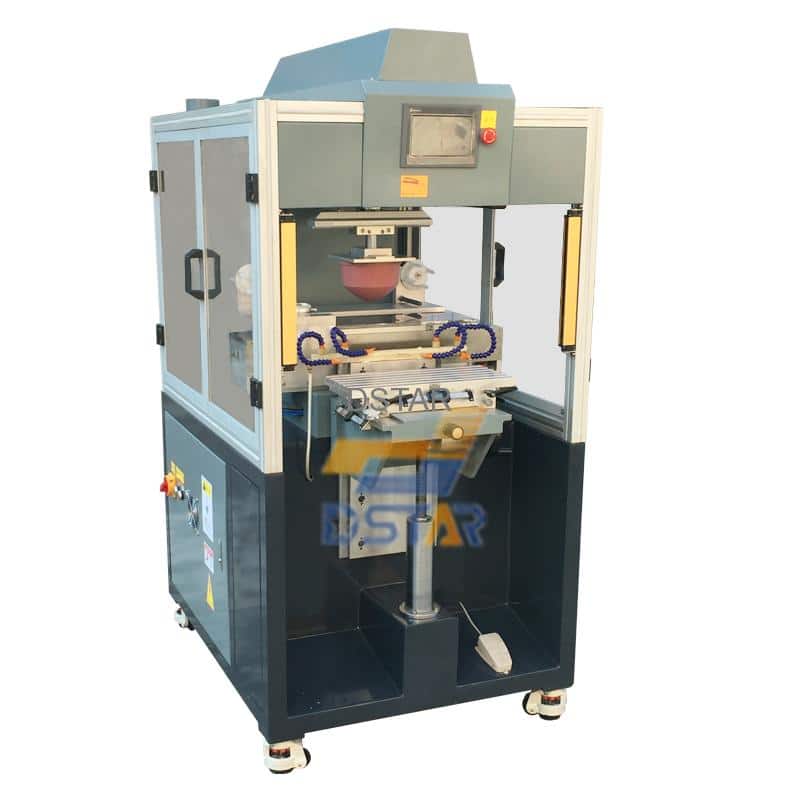
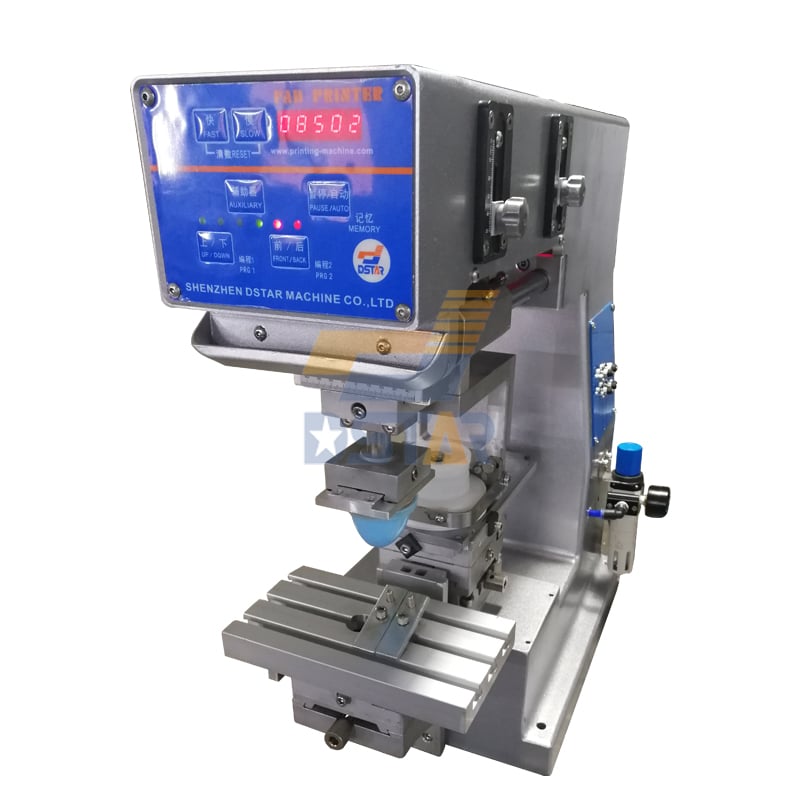
1. Traditional Pad Printing
Pad printing is an indirect printing technology that transfers ink from an etched gravure plate to the substrate surface via a silicone pad. Its core workflow includes:
- Plate-making stage: Fabricating steel or resin plates through exposure and etching to create graphic recesses
- Color mixing stage: Manual ink formulation according to Pantone color codes, requiring experienced technicians
- Printing stage: Doctor blade cleans plate surface → pad picks up ink from recesses → transfers to substrate
- Drying/curing: Air drying or oven baking; some applications require UV curing
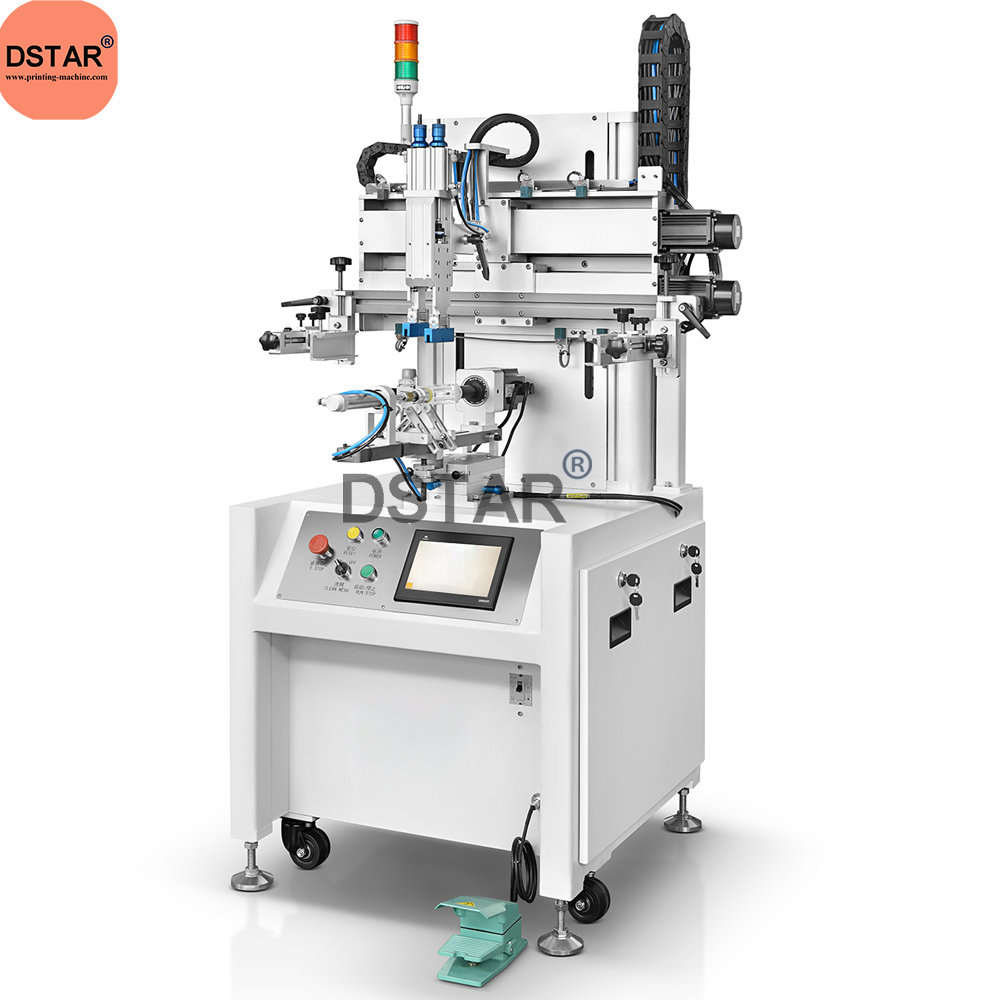
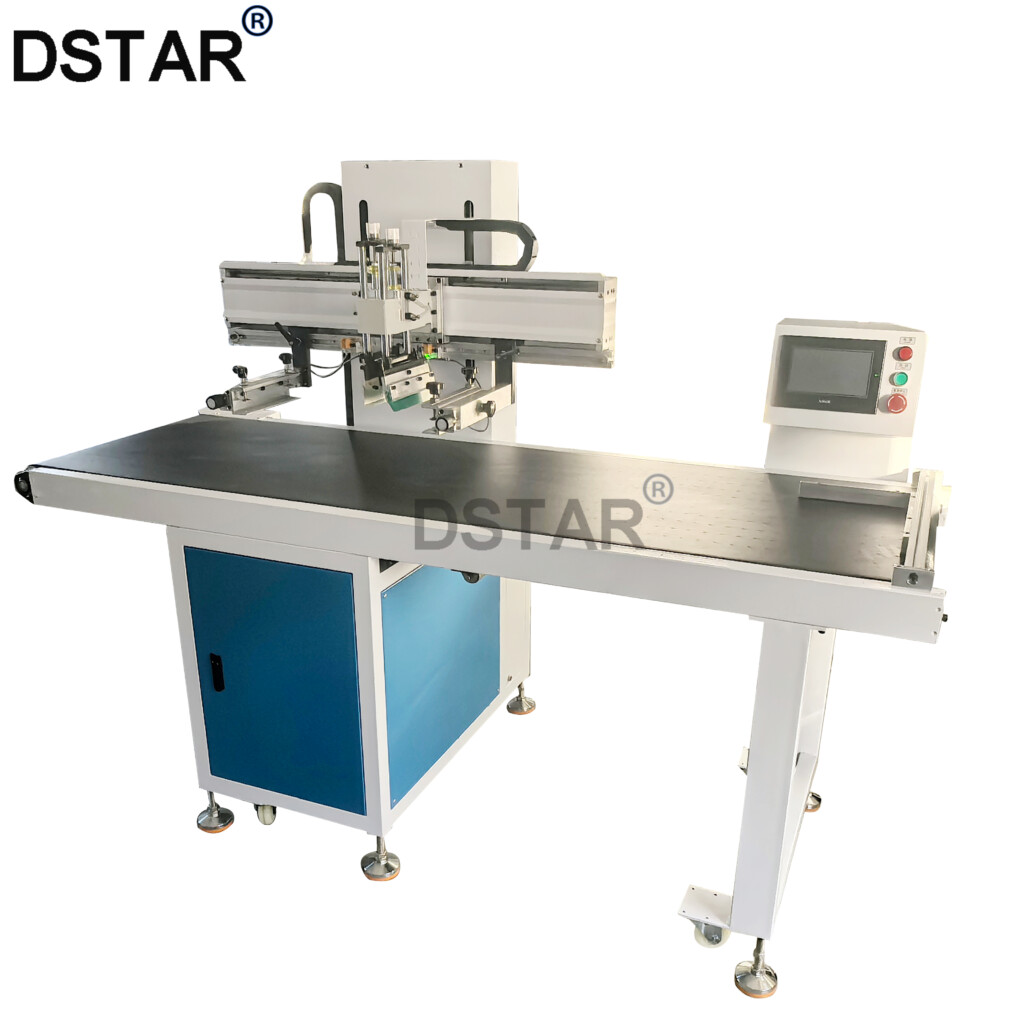
2. Traditional Screen Printing
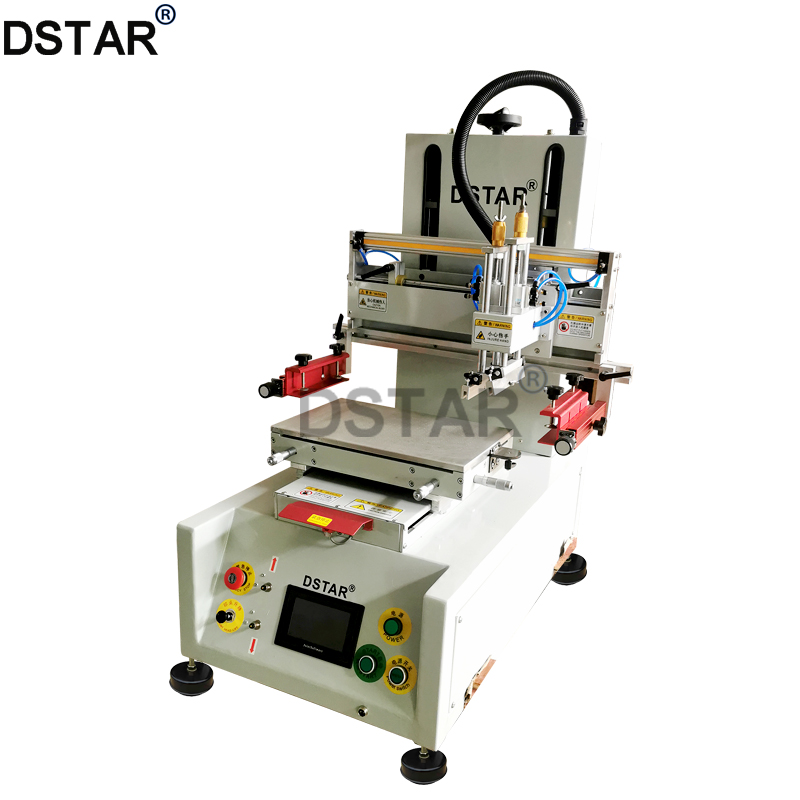
Screen printing forces ink through open areas of a stencil-supported mesh using a squeegee:
- Plate-making stage: Mesh stretching → emulsion coating → exposure → development to create screen stencils
- Color mixing stage: Also relies on manual color matching, with batch-to-batch color deviation risks
- Printing stage: Positioning → squeegee stroke → screen lift, demanding highly skilled operation
- Post-processing: Multi-color jobs require repeated registration passes with extended drying cycles
3. Digital Printing Process
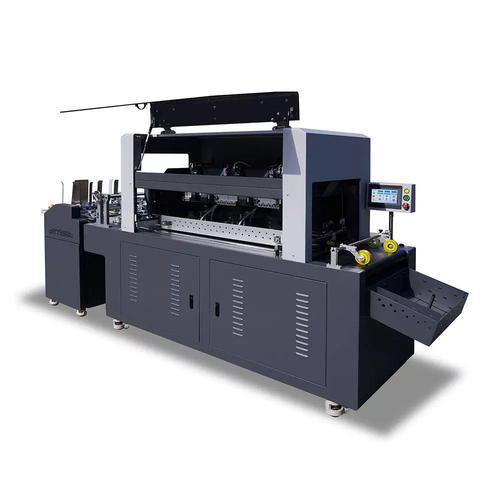
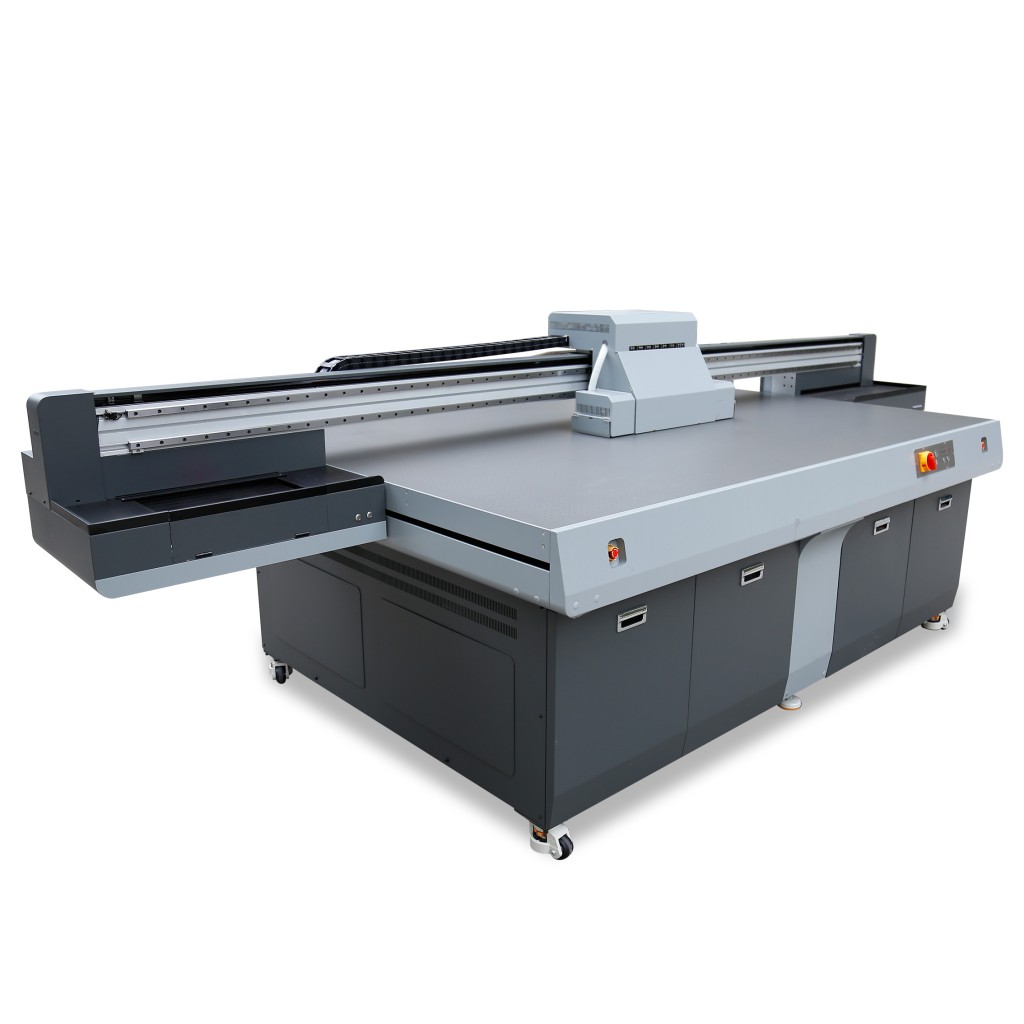
Digital printing converts digital files directly into physical images without traditional printing plates:
- File processing: RIP software parses image data with automatic color separation
- Direct inkjet: Printheads deposit ink droplets on demand, with CMYK or extended color channel overlay
- Instant curing: UV digital printing equipped with LED-UV lamps enables print-and-dry immediacy
- No post-processing: Single-piece production runs without plate cleaning or changeover
II. Core Advantages Comparison Matrix
| Comparison Dimension | Pad/Screen Printing | Digital Printing |
|---|---|---|
| Minimum order quantity | High (plate costs make 500+ units economical) | Extremely low (single-piece runs, no plate fees) |
| Customization | Poor (plate changeover time-consuming, fixed patterns per plate) | Exceptional (every impression can differ, variable data capable) |
| Color performance | Spot color accuracy but harsh gradient transitions | Smooth gradients, photographic reproduction |
| Short-run cost | High (plate amortization dominates) | Extremely low (ink + substrate only) |
| Production cycle | Long (1-2 days plate-making + color matching) | Extremely short (print-ready upon file completion) |
| Environmental performance | Poor (solvent-based ink VOC emissions high) | Excellent (UV inks low-VOC, no wastewater) |
| Substrate versatility | Broad (curved, irregular shapes excel) | Moderate (pre-treatment required, curved surfaces limited) |
| Registration accuracy | Technician-dependent, cumulative errors significant or upgraded with CCD system | Mechanical positioning or CCD vision(upgraded) |
| Gradients and detail | High cost equipment to print multi color especially on screen printing machine | 720dpi-2400dpi high precision |
Though,many sales from digital printer company announced that “pad printing/screen printing is out and no more need it”.But they didn’t tell you the truth that every printing technology has its advantage and disadvantage.Especially,they didn’t they you that there are traps when sell you the digital printer.
III. The “Hidden Cost Trap” of Digital Printing: Deep Analysis of Sales Models
Despite revolutionary technological advantages, the current market suffers from severe business model deformities, particularly in equipment sales, creating systematic cost exploitation of end-users.
(A) Consumables Bundling: The Locked-In “Money Printing” Model
1. Chip Encryption and Authentication Mechanisms
Major industrial UV flatbed printer brands employ an extreme version of the “razor-and-blades” business model:
- Cartridge chip locking: Device firmware only recognizes OEM encrypted-chip cartridges; third-party compatible inks trigger system rejection
- Forced counter reset: Some models incorporate ink volume counters that trigger “cartridge incompatible” error codes with non-OEM supplies
- Regional code restrictions: Identical equipment models sold in different regions carry different consumable coding to prevent cross-regional procurement of lower-priced inks
2. Inflated Consumables Pricing Structure
For industrial-grade UV digital printing, OEM consumables carry staggering premiums:
| Consumable Type | OEM Price (USD/Liter) | Compatible Price (USD/Liter) | Premium Multiple |
|---|---|---|---|
| UV Rigid Ink | \$110-165 | \$28-48 | 3-4x |
| UV Flexible Ink | \$138-207 | \$39-55 | 3-5x |
| LED-UV Cleaning Solution | \$41-69 | \$11-17 | 3-4x |
| Primer/Coating Fluid | \$83-124 | \$21-34 | 3-5x |
Note: Based on 2024-2025 market reference prices for industrial-grade equipment consumables(for reference only)
3. Hidden Cost Calculation
Assuming a mid-size UV flatbed with annual ink consumption of 200 liters:
- OEM program: 200L × $138/L = $27,600/year
- Compatible program: 200L × $39/L = $7,800/year
- Annual differential: $19,800 (equivalent to an entry-level equipment acquisition cost)
Manufacturers void warranties for “use of non-OEM consumables” in service contract terms, coercing users into accepting high-price bundling.
(B) Printhead Replacement Costs: The “Cardiac Surgery” of Digital Printing
1. Technology Monopoly on Core Components
Industrial digital printing printheads are precision micro-electromechanical systems (MEMS) involving piezoelectric ceramic actuation, nozzle arrays (hundreds to thousands of nozzles per head), and ink channel control. Global supply concentrates among few vendors:
- Ricoh: Gen5/Gen6 series, widely used in industrial UV printers
- Seiko: SPT series, high-speed industrial applications
- Kyocera: KJ4 series, ultra-high-speed single-pass printing
- Epson: PrecisionCore, commercial and industrial grades
All printing machine manufacturer buy these printhead from these brands.They can’t ensure quality but only rely on these printhead company.And they lost control of printhead price power,it means machine manufacturer can’t promise you the printhead cost will rise up or not in next year when you plan to replace it.
2. Staggering Replacement Costs
| Printhead Model | Equipment Type | Unit Price (USD) | Units per Machine | Total Printhead Cost |
|---|---|---|---|---|
| Ricoh Gen5 | Mid-size UV flatbed | \$1,100-1,650 | 2-4 | \$2,200-6,600 |
| Ricoh Gen6 | High-end UV flatbed | \$2,070-2,760 | 4-8 | \$8,280-22,080 |
| Kyocera KJ4B | High-speed roll-to-roll | \$3,450-4,830 | 4-12 | \$13,800-57,960 |
| Seiko 1024 | Large industrial | \$1,650-2,480 | 8-16 | \$13,200-39,680 |
Note: Prices include installation and commissioning; downtime losses excluded
3. The Reality of Printhead Lifespan
Actual lifespan falls far below theoretical values due to multiple factors:
- Theoretical lifespan: Ricoh Gen5 rated at 100-150 billion ink ejections (approximately 1-2 years normal production)
- Actual lifespan: Due to ink quality, maintenance frequency, ambient temperature/humidity, typically only 6-12 months
- Sudden failure: Electrostatic discharge, ink crystallization clogging, or physical impact can instantaneously destroy printheads
- Maintenance costs: Weekly automatic cleaning minimum, monthly deep cleaning, consuming substantial ink and cleaning solution
(C) Core Pain Point: The “Vacuum Zone” of Printhead Warranty
This represents the most prominent business ethics issue in the digital printing industry and the most difficult area for user rights protection:
1. Industry-Standard “Exclusion Clauses”
Nearly all digital printing equipment manufacturers’ sales contracts contain the following combined terms:
- ❌ Printheads excluded from machine warranty: Machine warranty 1 year, but printheads only guaranteed for “intact arrival appearance,” not performance
- ❌ Ambiguous “human damage” definition: “Printhead clogging due to non-OEM ink use” classified as human damage, requiring user-funded replacement
- ❌ Normal wear exclusion: Printheads classified as “wear parts/consumables,” subject to “reasonable wear” exclusion
- ❌ Stringent environmental requirements: Mandated constant temperature (20-25°C), constant humidity (40-60% RH), dust-free; failure voids coverage
2. Deep Reasons for Warranty Absence
Manufacturers dare exclude core components from warranty due to technology monopoly and information asymmetry:
- Technology black box: Internal piezoelectric ceramics, nozzle coatings, etc. constitute supplier core intellectual property; equipment manufacturers lack repair capability
- Liability transfer: Equipment manufacturers transfer printhead warranty responsibility to printhead OEMs (Ricoh/Kyocera, etc.), who only warrant to equipment manufacturers, not end-users
- Cost transfer: Single printhead cost represents 15%-30% of total machine cost; providing warranty would significantly increase equipment pricing, impairing sales competitiveness
3. Actual User Risk Exposure
For a mid-size UV machine with 4 Ricoh Gen5 printheads:
- Machine acquisition cost: Approximately $34,500-48,300
- Printhead asset value: 4 × $1,380 = $5,520 (11%-16% of machine cost)
- Annual replacement frequency: Conservative estimate 1.5x/year
- Annual printhead expenditure: $5,520 × 1.5 = $8,280/year
- Three-year total printhead cost: $24,840 (exceeding 50% of machine acquisition cost)
This means: When purchasing a digital printer, over half of the actual total cost paid within three years goes to replacing core components that cannot be warranted.
In conclusion, we need to take a rational view of the development of printing technology. Every printing technology has its own inevitability and necessity for existence; each technology is complementary and cannot be completely eliminated or replaced. Emerging digital technology holds great potential for future development, but we cannot overlook the drawbacks of its early rough development phase. Many users have become victims of early-stage digital equipment R&D, paying a heavy price for it—such as subpar after-sales service and bundled sales of accessories and consumables.
#padprinting #screenprinting #digitalprinting

WeChat
Scan the QR Code with wechat